
What Is Push-Bombing & How Can You Prevent It?
Cloud account takeover has become a major problem for organizations. Think about how much work your company does that requires a username and password. Employees end up having to log into many different systems or cloud apps.
Hackers use various methods to get those login credentials. The goal is to gain access to business data as a user. As well as launch sophisticated attacks, and send insider phishing emails.
How bad has the problem of account breaches become? Between 2019 and 2021, account takeover (ATO) rose by 307%.
Doesn’t Multi-Factor Authentication Stop Credential Breaches?
Many organizations and individuals use multi-factor authentication (MFA). It's a way to stop attackers that have gained access to their usernames and passwords. MFA is very effective at protecting cloud accounts and has been for many years.
But it’s that effectiveness that has spurred workarounds by hackers. One of these nefarious ways to get around MFA is push-bombing.
How Does Push-Bombing Work?
When a user enables MFA on an account, they typically receive a code or authorization prompt of some type. The user enters their login credentials. Then the system sends an authorization request to the user to complete their login.
The MFA code or approval request will usually come through some type of “push” message. Users can receive it in a few ways:
- SMS/text
- A device popup
- An app notification
Receiving that notification is a normal part of the multi-factor authentication login. It’s something the user would be familiar with.
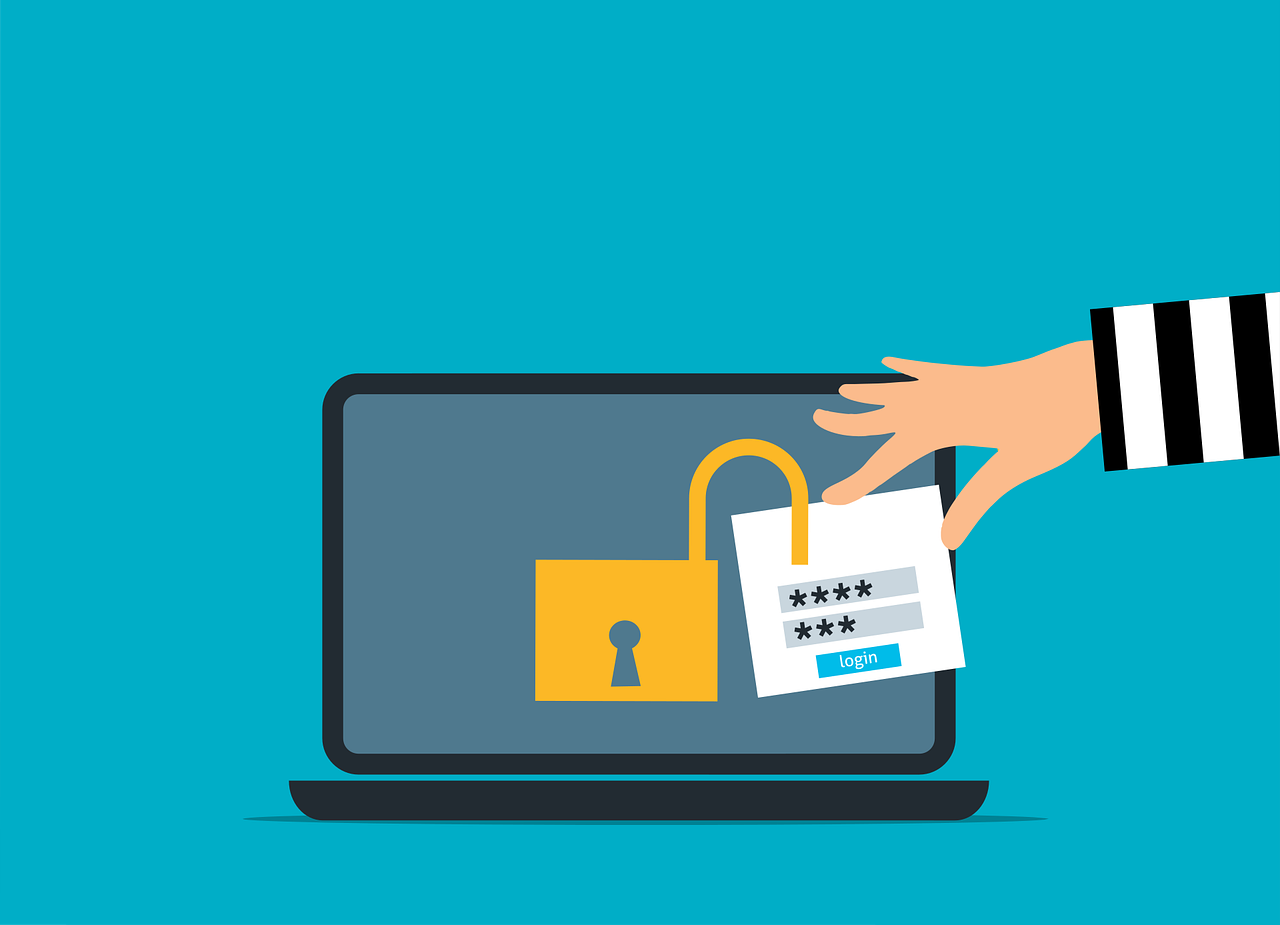
With push-bombing, hackers start with the user’s credentials. They may get them through phishing or from a large data breach password dump.
They take advantage of that push notification process. Hackers attempt to log in many times. This sends the legitimate user several push notifications, one after the other.
Many people question the receipt of an unexpected code that they didn’t request. But when someone is bombarded with these, it can be easy to mistakenly click to approve access.
Push-bombing is a form of social engineering attack designed to:
- Confuse the user
- Wear the user down
- Trick the user into approving the MFA request to give the hacker access
Ways to Combat Push-Bombing at Your Organization
Educate Employees
Knowledge is power. When a user experiences a push-bombing attack it can be disruptive and confusing. If employees have education beforehand, they’ll be better prepared to defend themselves.
Let employees know what push-bombing is and how it works. Provide them with training on what to do if they receive MFA notifications they didn’t request.
You should also give your staff a way to report these attacks. This enables your IT security team to alert other users. They can then also take steps to secure everyone’s login credentials.
Reduce Business App “Sprawl”
On average, employees use 36 different cloud-based services per day. That’s a lot of logins to keep up with. The more logins someone has to use, the greater the risk of a stolen password.
Take a look at how many applications your company uses. Look for ways to reduce app “sprawl” by consolidating. Platforms like Microsoft 365 and Google Workspace offer many tools behind one login. Streamlining your cloud environment improves security and productivity.
Adopt Phishing-Resistant MFA Solutions
You can thwart push-bombing attacks altogether by moving to a different form of MFA. Phishing-resistant MFA uses a device passkey or physical security key for authentication.
There is no push notification to approve with this type of authentication. This solution is more complex to set up, but it’s also more secure than text or app-based MFA.
Enforce Strong Password Policies
For hackers to send several push-notifications, they need to have the user’s login. Enforcing strong password policies reduces the chance that a password will get breached.
Standard practices for strong password policies include:
- Using at least one upper and one lower-case letter
- Using a combination of letters, numbers, and symbols
- Not using personal information to create a password
- Storing passwords securely
Not reusing passwords across several accounts
Put in Place an Advanced Identity Management Solution
Advanced identity management solutions can also help you prevent push-bombing attacks. They will typically combine all logins through a single sign-on solution. Users, then have just one login and MFA prompt to manage, rather than several.
Additionally, businesses can use identity management solutions to install contextual login policies. These enable a higher level of security by adding access enforcement flexibility. The system could automatically block login attempts outside a desired geographic area. It could also block logins during certain times or when other contextual factors aren’t met.
Do You Need Help Improving Your Identity & Access Security?
Multi-factor authentication alone isn’t enough. Companies need several layers of protection to reduce their risk of a cloud breach.
Are you looking for some help to reinforce your access security? Give us a call today at 317-497-5500 or contact us here to schedule a chat.