
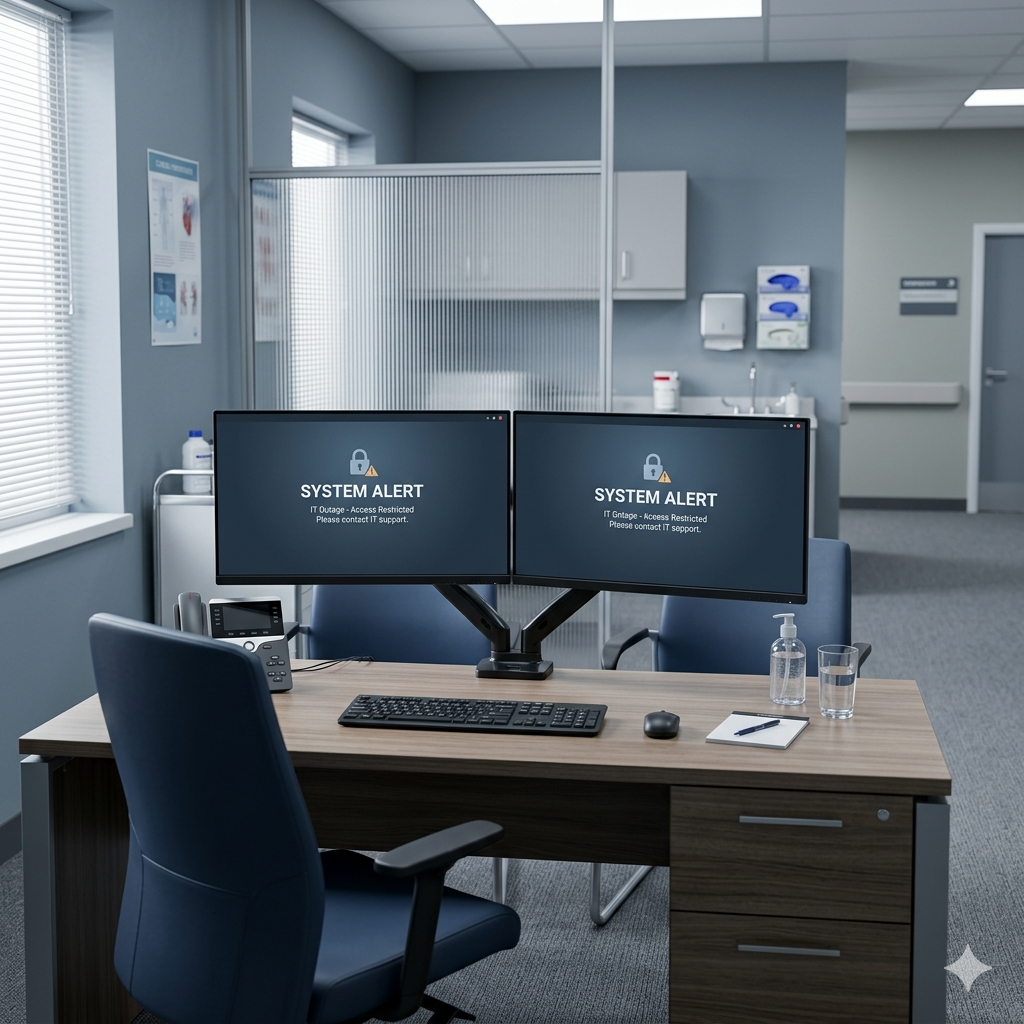
Your EHR Is Down. Now What?
When healthcare practices lose access to their electronic health record system, every clinical and administrative function stops at once. Whether the cause is ransomware, a server failure, or an outage from a cloud vendor, the outcome is the same: staff is improvising, patients are waiting, and the risk clock is running. This playbook walks through what every practice should have in place before that moment arrives.
Why It Matters
The EHR has become so central to how healthcare practices operate that many teams have never actually worked without one. That’s a problem.
Most disruptions don’t announce themselves. A ransomware attack encrypts your files at 7 AM. A critical server fails overnight. Your cloud-hosted EHR vendor goes offline during a busy Tuesday morning. What happens next depends entirely on whether your practice has a plan or is piecing one together in real time.
Healthcare is one of the most targeted industries for cyberattacks, and EHR downtime events are increasingly common across practices of every size. The question isn’t whether your practice could lose access to its EHR. The question is how prepared you are when it does.
How It Impacts Practices
EHR downtime touches everything at once. Clinical staff can’t access patient records, medication histories, or allergy information. Scheduling stops. Billing and coding halt. Lab orders and results can’t be transmitted. Referrals can’t be sent.
For practices without a downtime protocol, the immediate response is often to turn patients away or delay care. That creates direct liability exposure, patient dissatisfaction, and in serious cases, real patient safety risk.
The financial impact compounds quickly. A practice losing four to six hours of patient throughput faces meaningful revenue loss, and that’s before factoring in the cost of recovering data, notifying patients, and managing fallout. For practices that experience a ransomware event, recovery costs can run into tens of thousands of dollars before regulatory exposure under HIPAA is even considered.
And it’s not just major breach events that cause damage. A failed backup, a misconfigured server migration, or an expired certificate that takes a cloud EHR offline can be just as disruptive to a practice that hasn’t thought through continuity.
What Steps Practices Can Take
The most effective business continuity plans are built before an outage occurs, not assembled in the middle of one.
Start with a business impact analysis specific to your EHR. Which functions stop immediately when access is lost? Who is affected first, and what do they need to keep operating? What is the maximum tolerable downtime for each clinical and administrative function?
From that foundation, build your downtime procedures. These should include:
- Paper-based intake and documentation processes that staff have actually practiced using
- Offline access to critical patient information including medication lists, allergy records, and active care plans
- A defined communication protocol for notifying staff, patients, and vendors during a disruption
- A clear chain of command for declaring downtime and making recovery decisions
Recovery objectives matter too. Define your recovery time objective (RTO), meaning how quickly systems need to be restored, and your recovery point objective (RPO), meaning how much data loss is acceptable. Those numbers determine what kind of backup infrastructure and redundancy your practice actually needs.
For more on building a solid continuity foundation, see The Business Continuity Checklist Every Company Should Complete This Quarter.
How an MSP Helps
The challenge most healthcare practices face is that continuity planning requires IT expertise, compliance knowledge, and healthcare workflow understanding at the same time. Most practices don’t have that combination internally, and most general IT providers don’t understand healthcare operations well enough to build plans that hold up in a clinical environment.
A managed service provider with healthcare experience works on both sides of that equation. On the technical side, that means architecting backup infrastructure, testing failover, monitoring for early warning signs of failure, and keeping systems patched and current. On the operational side, it means understanding what downtime mode actually looks like in a medical practice and building procedures that clinical staff can execute under pressure.
That includes HIPAA-aligned protections. Business continuity in healthcare isn’t just about getting systems back online. It’s about demonstrating that data was protected and breach notification obligations were handled correctly throughout the disruption. Without that documentation, an otherwise manageable outage can become a reportable HIPAA event.
For more on how healthcare practices navigate the intersection of IT and compliance, see HIPAA and IT: What Healthcare Practices Get Wrong About Managed Services.
Best Practices and Key Takeaways
Healthcare practices that weather EHR outages with minimal disruption typically share a few things in common.
They test their downtime procedures at least once a year. A plan that exists only on paper is not a plan.
They maintain offline or secondary access to critical patient data. Cloud-only record access is a single point of failure.
They have clearly defined RTOs and RPOs, and their backup infrastructure is sized to actually meet those targets.
They treat business continuity as an ongoing program, not a one-time project. Systems change, staff changes, and threats evolve. The plan has to keep up.
They partner with an IT provider who understands healthcare regulatory requirements and has documented how the MSP itself maintains continuity of service.
Frequently Asked Questions
What should a healthcare practice do in the first 30 minutes of an EHR outage?
The first 30 minutes should follow a documented protocol, not improvise. Activate your downtime procedures, notify clinical and administrative leads, and assess whether the outage is isolated to your practice or broader (such as a vendor-side failure). Begin paper-based intake if patient care is in progress. Do not attempt to restore access without IT involvement, particularly if the outage could be related to a ransomware event.
How does EHR downtime create HIPAA risk?
HIPAA requires covered entities to maintain the availability of electronic protected health information and to have contingency plans in place for system failures. An unplanned outage that results in data loss, unauthorized access attempts, or delays in notifying the appropriate parties can trigger reporting obligations. Practices without documented downtime procedures are at greater risk of a routine outage becoming a compliance event.
How long does it typically take to recover from an EHR ransomware attack?
Recovery timelines vary based on whether viable backups exist, how quickly the attack is contained, and how complex the data restoration process is. Practices with current, tested backups and a managed IT partner often recover within 24 to 48 hours. Practices without those safeguards can face weeks of disruption and sometimes permanent data loss.
What is the difference between a disaster recovery plan and a business continuity plan?
A disaster recovery plan focuses on restoring IT systems and data after a disruption. A business continuity plan is broader: it covers how your practice keeps functioning during the disruption itself, before systems are fully restored. Healthcare practices need both. The continuity plan keeps care moving during downtime. The disaster recovery plan gets you back to full operations. The two should be built and tested together.
For more insights into how MSPs turn IT challenges into strengths, check out our article in the Indiana Business Journal here.
Every business faces IT challenges, but you don’t have to navigate them alone. Core Managed helps businesses secure their data, scale efficiently, and stay compliant. If you’re struggling with any of the issues discussed in this blog, let’s talk. Give us a call today at 888-890-2673 or contact us here to schedule a chat.