
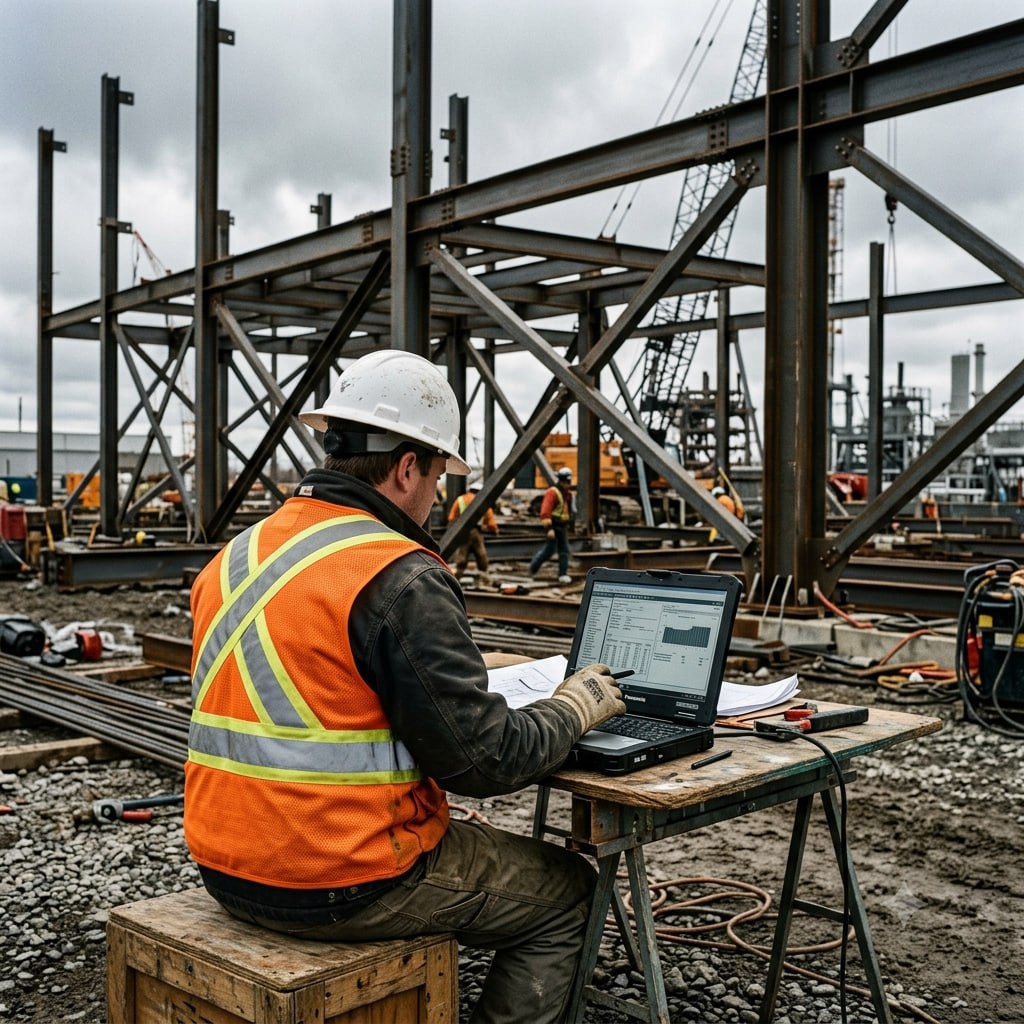
Field Crews Don't Think About Cybersecurity. Attackers Know That.
Executive Summary
Construction companies now run on remote access: project management platforms, blueprints in the cloud, timekeeping apps, and vendor portals all accessed from job sites, trucks, and trailers. That distributed access is exactly what attackers look for. This guide walks through the practical steps construction firms take to lock down remote connections without slowing down the crews who depend on them.
Why It Matters
A decade ago, the biggest IT risk on a job site was someone spilling coffee on a laptop. Today, the risk is a subcontractor logging into your project management system from an unsecured hotspot, or a foreman clicking a phishing link on a company phone between pours.
Construction has become one of the most targeted industries for cyberattacks, and it is not hard to see why. Projects involve dozens of companies sharing access to the same platforms. Data flows between owners, GCs, subs, architects, engineers, and material suppliers. Timelines are tight, communication is fast, and nobody stops to think about whether the login request they just approved was legitimate.
The result is a wide-open attack surface that most firms are not actively managing.
Ransomware that locks access to project files mid-build. Credential theft that lets attackers impersonate a project manager and redirect vendor payments. Business email compromise that diverts subcontractor invoices to an attacker's account. These are not theoretical scenarios for construction companies.
For more on phishing and social engineering targeting contractors, see Cloud Security for Contractors.
How It Impacts Your Operation
The operational consequences of a remote access breach in construction reach further than most business owners expect.
Project delays are the most immediate hit. If ransomware locks your estimating software, scheduling tools, or document management platform, work stops. Subs cannot get updated drawings. PMs cannot access RFI logs. The project timeline slips, and the financial penalties attached to it follow.
Payment fraud is a growing exposure. Construction involves high-value wire transfers and ACH payments to vendors and subs. If an attacker gets into email through a compromised remote credential, they can sit quietly and watch until a large payment is coming. Then they send a convincing "updated banking information" email that looks like it came from the right person. By the time anyone notices, the money is gone.
Liability and compliance exposure is the third risk. If a data breach exposes a client's financials, an owner's personal information, or a subcontractor's sensitive documents, the legal consequences fall on the firm that failed to secure access. That is an increasingly significant risk as contract language around data security tightens.
The firms that get hurt worst are usually the ones that assumed remote access was someone else's problem, a software vendor issue, or an IT issue they did not know they had.
What Steps Companies Can Take
The good news is that remote access security does not require a complete technology overhaul. Most of what protects a construction firm's distributed workforce is a combination of solid policy, the right tools applied consistently, and some basic training.
Start with multi-factor authentication on every system that allows remote login. This single step blocks the vast majority of credential-based attacks. If a username and password gets stolen through a phishing email or a data breach, MFA means the attacker still cannot get in without a second factor the legitimate user controls. Every project management platform, email account, and cloud storage service should require MFA, no exceptions for senior staff or longtime users.
For more on building strong credential practices across your organization, read The Password Problem.
Next, control who has access to what. Not everyone working on a project needs access to the full platform. Subcontractors should see what they need for their scope and nothing else. When a sub wraps their phase and leaves the project, their access should be removed immediately. Access that lingers is access that can be exploited.
A VPN (Virtual Private Network) is the right tool when field staff need access to internal systems rather than cloud platforms. A VPN creates an encrypted tunnel between the device and the company's network, so data in transit cannot be intercepted on a public hotspot. For firms still running on-premise servers or internal file shares, a properly configured VPN is not optional.
Device management matters as much as network security. Company devices should have endpoint protection installed, automatic screen locks enabled, and the ability to be remotely wiped if lost or stolen. Personal devices used for work should at minimum be enrolled in a mobile device management policy that sets baseline security requirements.
Finally, training field staff does not have to be complicated. A 15-minute annual session on how to recognize phishing links, what to do if a device goes missing, and why they should never use public Wi-Fi for anything work-related goes a long way. The goal is awareness, not certification.
How an MSP Helps
Most construction companies do not have a dedicated IT team. Someone handles it on the side, or the ownership group owns the responsibility by default. That works fine when IT is an occasional inconvenience. It stops working when the attack surface is 30 job sites, a rotating cast of subs with their own devices, and dozens of cloud applications.
A managed IT partner handles the things that fall through the cracks in that environment.
Remote access policy design: defining who can access what, from what devices, under what conditions, and building the technical controls to enforce it. MFA rollout and management: making sure every system that matters has it turned on and that staff know how to use it. Endpoint protection across the fleet: deploying and monitoring security software on every company device, regardless of where it is on a given day. Incident response: if something does go wrong, a managed IT partner moves immediately to contain the damage, rather than leaving the owner scrambling to figure out what happened.
For firms operating across multiple active projects, a managed IT partner also provides the visibility to catch unusual access patterns early, before a credential compromise becomes a full breach.
Best Practices and Key Takeaways
- Require MFA on every remote access point, including email, project management tools, document storage, and any cloud application a field team member touches. No exceptions.
- Apply least-privilege access. Subcontractors, vendors, and field crews get access to exactly what they need for their current scope, and that access is removed when the scope ends.
- Use a VPN for connections to internal systems. For cloud-based platforms, confirm those platforms encrypt data in transit and require MFA before relying on them for sensitive project information.
- Manage company-issued devices actively. Endpoint protection, automatic lock screens, and remote wipe capability should be standard on every device that touches company data.
- Train field staff on basic phishing awareness. One person clicking the wrong link on a job site can unlock access to the whole network.
- Audit remote access credentials quarterly. Old accounts, inactive logins, and credentials belonging to departed employees are among the most common entry points for attackers.
- Treat growth as a security trigger. If your firm is adding job sites or onboarding a large subcontractor network, treat that as a prompt for an IT security review.
FAQ
Why are construction companies targeted by cybercriminals more than other industries?
Construction projects involve many organizations sharing access to the same systems, large financial transactions, tight timelines that pressure people to move fast, and a workforce spread across job sites rather than a central office. That combination creates conditions where mistakes are easy, oversight is thin, and the financial payoff for a successful attack is high.
What is the most common way attackers get into a construction company's systems?
Credential theft through phishing is the most common entry point. An employee receives an email that looks legitimate, clicks a link, and enters their username and password on a fake login page. The attacker now has valid credentials and can log in from anywhere. Multi-factor authentication stops this attack even when the credentials are stolen.
Does remote access security slow down field teams?
Done correctly, it adds minimal friction. MFA takes a few seconds per login. A VPN connects in the background. Most field staff stop noticing these controls within a week of rollout. The friction that does exist is far less than the disruption of a ransomware attack mid-project.
Our subs bring their own devices. What can we actually control there?
You can require that anyone accessing your platforms uses a device with up-to-date operating system software and enables a screen lock passcode as a condition of access. You can enforce MFA on your platforms regardless of device type. You can restrict sub access to specific modules rather than giving full system access. And you can remove access immediately when the subcontractor's scope ends. You cannot control what they do on their personal device, but you can control what your systems allow their device to do.
Protecting your business starts with the right partner. Core Managed helps companies secure their data, scale efficiently, and stay compliant so you can focus on running the business. Give us a call at 888-890-2673 or contact us to schedule a conversation.
For more on how MSPs turn IT challenges into competitive advantages, read our feature in the Atlanta Business Chronicle.